All posts by Technomancer_Ral

Fantasy Treasure Chest

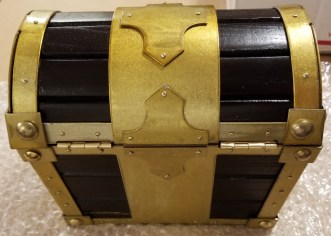
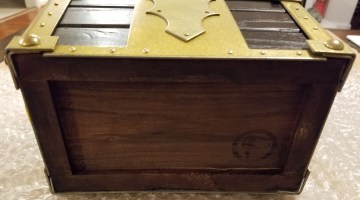
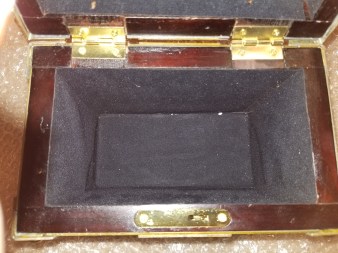
I helped fund this kickstarter a few years back.  I’ve been waiting on it for quite a while, and it FINALLY showed up today.

Fantasy Treasure Chest Kickstarter

Chest_Front.jpgChest_Back.jpg

Chest_Bottom.jpgChest_Side.jpgChest_Inside_Lid.jpgChest_Inside_Bottom.jpg

It’s far overdue, and not quite in the condition originally promised, but I guess that’s a Kickstarter for you.  It was missing one of the keys I ordered, and replacement parts were shipped with it for better metal components rather than having been installed by the seller.  The seller had also promised “something extra” with the chests if we didn’t demand refunds.  I didn’t see anything extra, other than parts that should have been installed in the first place.  Still debating how I feel about this.

Thankfully, though, I haven’t seen any signs of the mold that some of the chests got in the shipping process from China.


Ghostbusters Proton Grenade Costume Prop

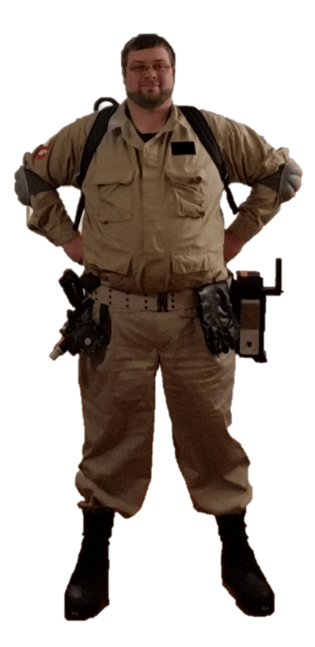
This is one of my favorite designs now.  I’ve been working on my Ghostbuster costume lately, and it got me thinking.

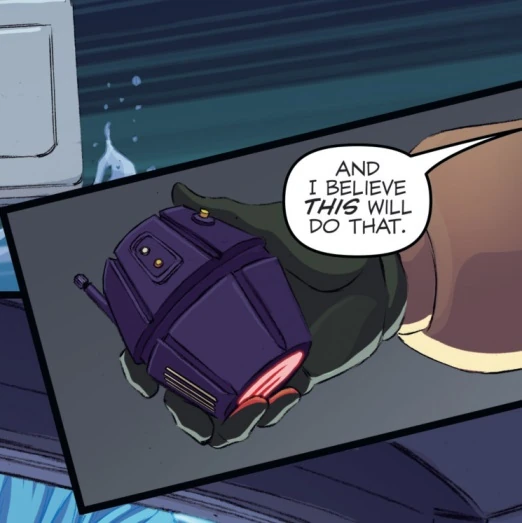
I knew I had seen some various ones, but the one I liked best is here:

Proton Grenade Article

(from the above link)

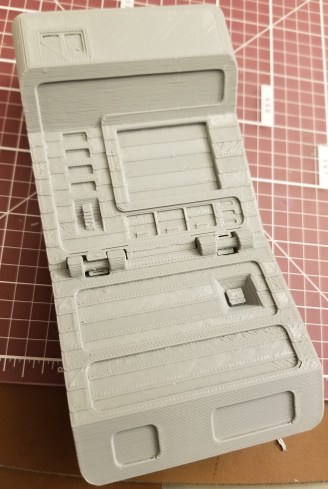
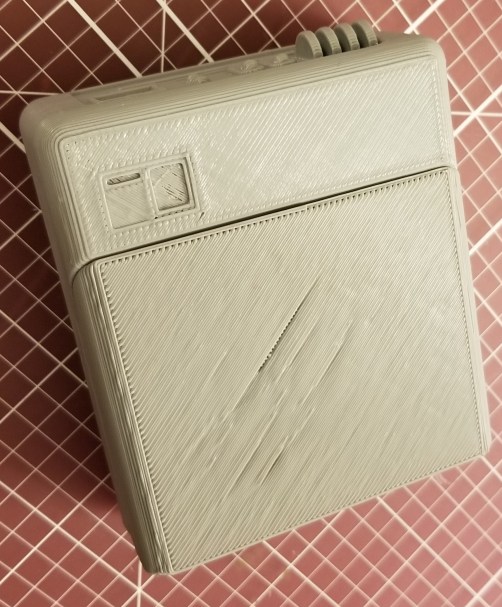
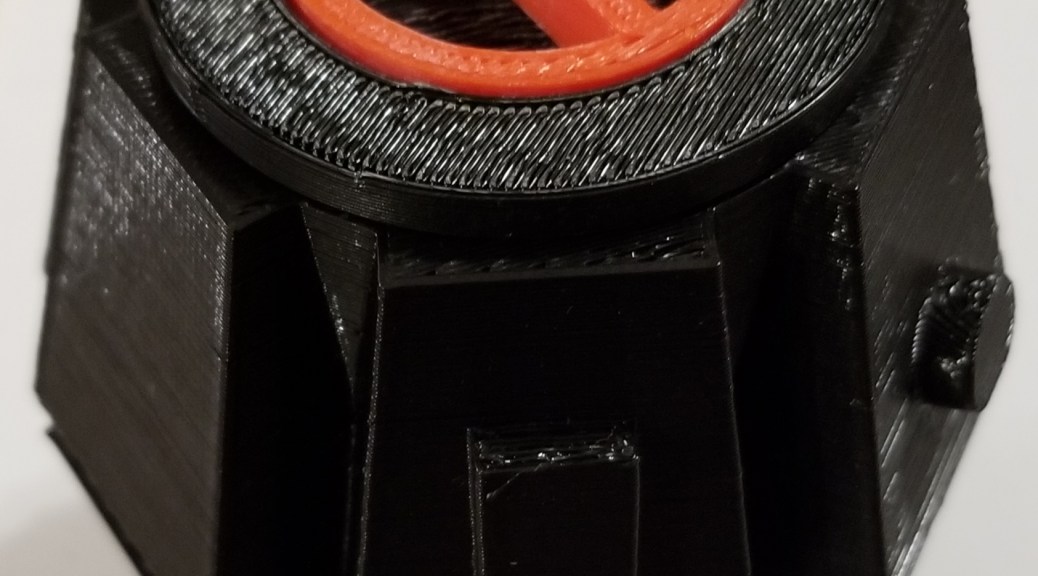
So I designed my own in AutoDesk Fusion 360 and printed it out the past couple of days.proton grenade

You can find the files here:

Proton Grenade on Thingiverse

Fair warning: the pieces might not fit properly, I sized them in different pieces of software while trying to figure out how the tolerances would work out and was kinda guesstimating.  Also, the original model has an antenna thingie on the side, which is snapped off in my print.  I wasn’t paying enough attention when I pulled it off the printer.

USB Port Issues

For quite a while now, though apparently I haven’t been looking for it most of the time, I’ve been receiving messages on my computer about a lack of USB resources.  It appears that this is because, while using a USB 3.0 hub to attach all my sensors to for ease of connection/disconnection, I was overloading the 3.0 port that the hub attached to.  Simplest solution is to plug it into a different USB port… but the only 3.0 port I have left on the computer is on the front of the computer (and it still reads as a 2.0 port for some reason in Oculus).  I’m considering adding a USB 3.0 card to my computer in one of the empty slots, but that still doesn’t address the ease of disconnection when not in use.  I could use an extension USB cable… but the sensor I plan on using is already on an extension cable, and the connection point is next to the ceiling.  I may have to swap things around so that I’m using another sensor that’s not on an extension to avoid signal loss.

Why do I care about disconnection?  Oculus sensors are modified webcams, and in general it’s better not to leave webcams plugged in when not in use.

Oculus Sensors Are Technically Hackable Webcams

Oculus Touch Controls Wall Mount

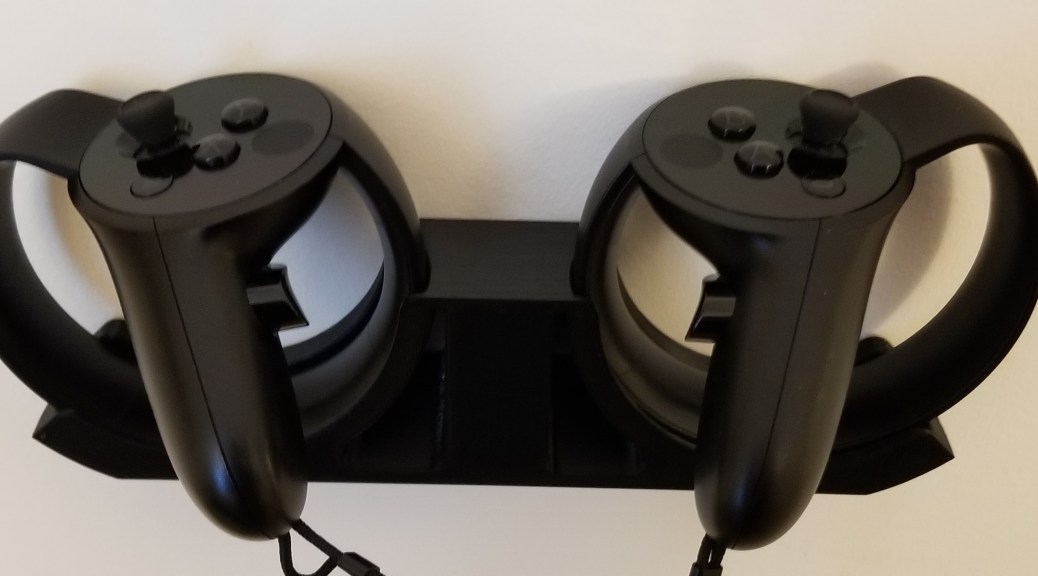
I found this wall mount on Thingiverse a while ago, but hadn’t taken the time to print it before.  It’s mounted with command strip tape, so we’ll see how long that holds up.  There were other versions that used screws, but I prefer not to put holes in my walls when i can avoid it.

Oculus Touch Wall Mount Command Strip Version
There’s another add on option for hanging the headset on that same mount, but I don’t think I trust the single command strip to hold that much weight.  I’m still weighing my options, but I would like to have some stand or mount for it to keep it from taking up horizontal space on my desk or table when not in use.

Headset Hanger Add On

Image is from Thingiverse at the link above.

IT’S ALIVE!

The printer is up and running again.  I reattached the belt with the new replacement part, lubed the rods and z axis screws with a spray can of white lithium grease, put a couple of drops of sewing machine oil on the pulley for the y axis, and tightened all the screws after reassembly.

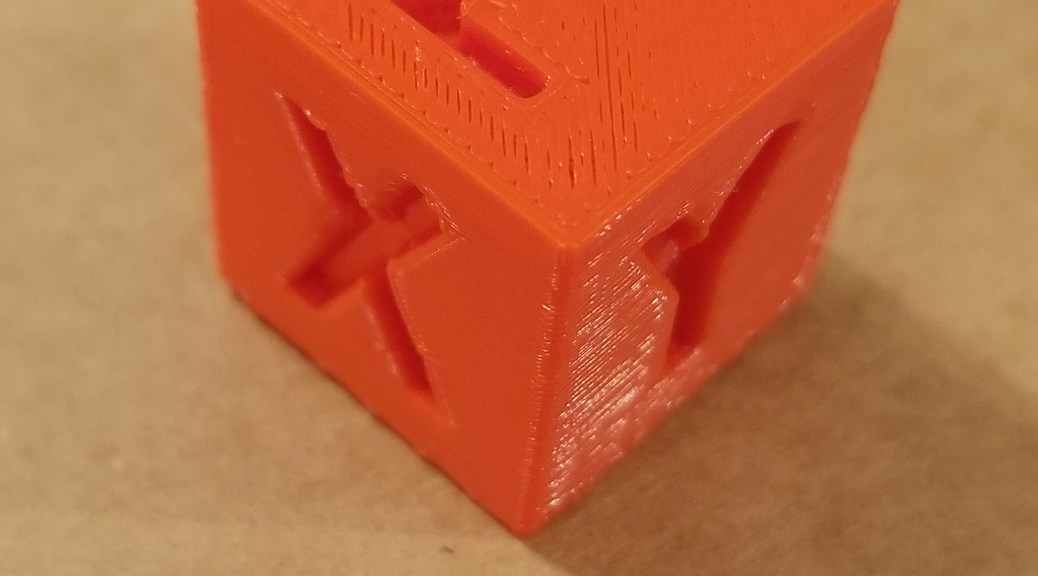
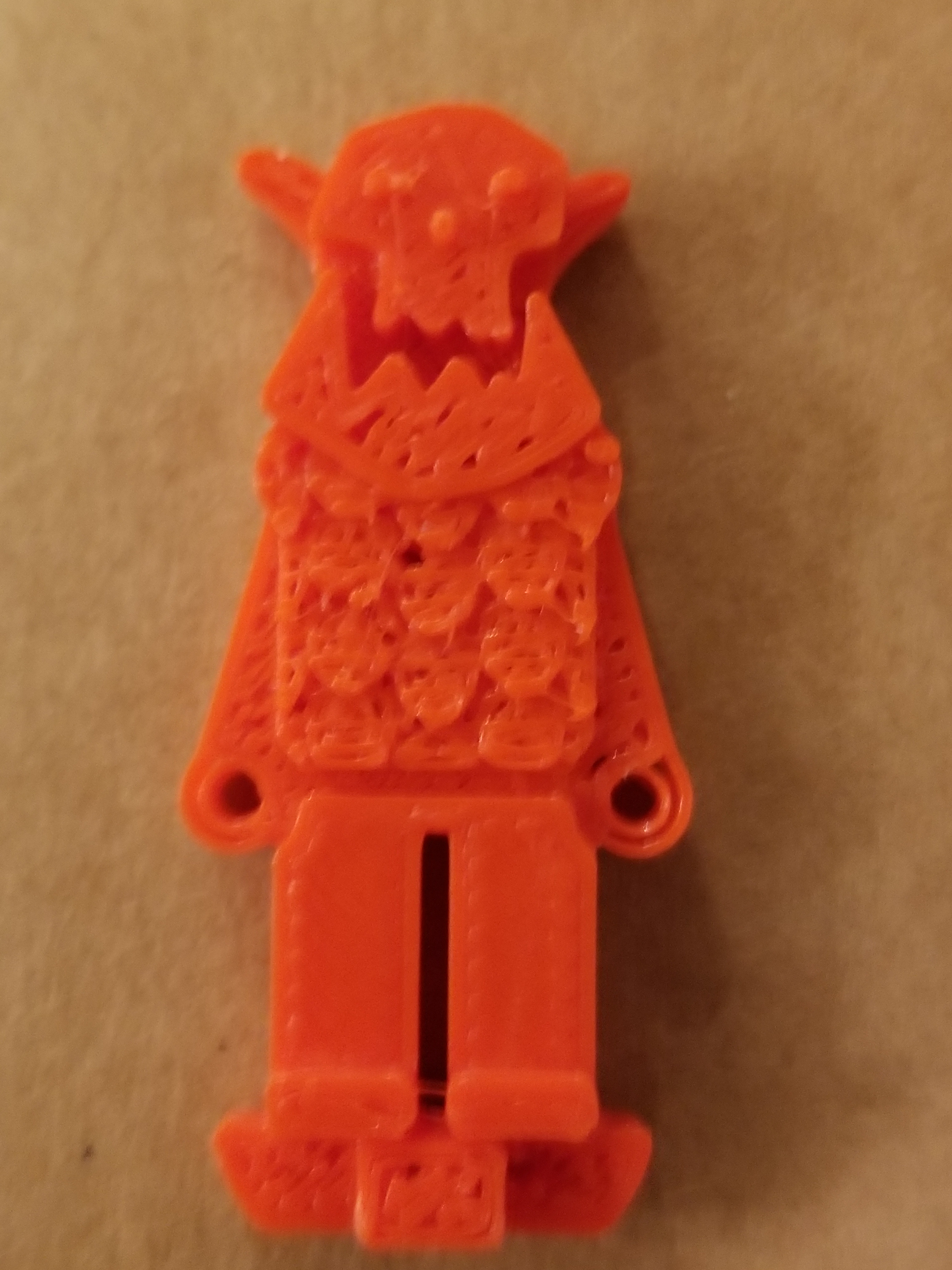
Now all that’s left is calibration.  The xyz axis calibration cube came out alright, but the surface finish test and the surfaces of my minis could be better.  I also need to figure out why the hands keep getting sliced into two shells each instead of being merged as a unit.

20181004_202358.jpg20181004_202419.jpg20181004_195602.jpg

Viewing Globe

Caveat:  This is not sponsored, and it is far from being comprehensive research on my part.


I was toying with the idea of how to make a crystal ball (my favorite example being the viewing globe from Power Rangers), and started poking around.  I came across the following article that came out last year, where someone made something that looks a lot like a crystal ball.

360-degree screen-free floating 3D image in a crystal ball using a spatially imaged iris and rotational multiview DFD technologies

It looks like a cool advancement, though I was hoping for something much more portable (and less cost-intensive).  The display really does look like a crystal ball, with a lot of attachments around it, as it uses a bunch of cell phones as projectors.

And… on to more browsing!

New Chair o’Gaming

My old throne was getting rather worn.. to the point that it was shedding little bits of material all the time, making my floors look dirty and making me feel like I was taking terrible care of my place.

So I finally upgraded.  I wanted arms that could flip up so my chair would fit better under my desk or to the side when I’m setting up for VR.

My hope had been that I could use the mounts I had 3D-printed for the HOTAS setup on this chair.  Sadly, they don’t fit, and I’m not going to ruin my chair by trying to force them.  I’ll have to look into alternate arrangements.  The adjustments and the arms on the chair make using the HOTAS on my desk a gain look promising, as I can slide closer without the arms interfering.

For anyone who wants to know, the chair comes from Staples.  It comes in 4 color options: blue, red, green, and gray, and they are all currently $100 off online ($70 off in store).

Staples Gaming Chair

Standard Disclaimer:  None of the post was sponsored by anyone.  I just like this chair.

Spirit Halloween Ghostbusters

Last year, Spirit Halloween finally got around to making the Deluxe Proton pack.  Which, of course, I snapped up.


deluxe_proton_pack.png

It’s not quite full scale, but it’s definitely a more affordable entry into Ghostbuster costuming than had been available in the past.  Also, lightweight, and pre-assembled.

This year, apparently Spirit Halloween got the message about Ghostbusters still being popular, and drastically exploded the available gear, and addressed an issue that comes up for cons and Halloween.  How do you wear the cool backpack and carry other stuff too.  Ba-bam.  Spirit Halloween, by way of Spencers, presents:

new_proton_pack.png

A proton pack with an actual backpack built in, with much-appreciated better straps.  It’s the same shell (with small tweaks), but you can actually carry stuff in it.

The lineup this year also includes some important accessories, the PKE meter, ecto-goggles, and the ghost trap!

pke_meter.pngecto_goggles.pngghost_trap.png


So, this jumpstarted me finally getting around to building the Ghostbusters costume I’ve always wanted.  A lot of the stuff is still on the way, and I’m really excited.

The pack and the trap have already arrived, and I’m pretty happy with them (though I’m already getting some ideas for upgrades/modifications.

This does present a bit of a quandary, though.  How do I store/display this stuff when I’m not using it.  The pack was easy to figure out.  There are command strip wall hooks that are rated for enough weight for the pack.  The trap is a bit harder if I want to put it on the wall in a way that I can quickly get it back off again.  I’m considering getting some calipers out, and designing a holder for it that will also use command adhesive strips.


At any rate, this is the year I’m finally doing it!  Finally gonna get my Ghostbuster costume together!


Disclaimer:  None of the post was sponsored by anyone.  I just really like this stuff.


VR Chat Fix

I feel like an idiot right now.  I’ve had trouble for months getting VR Chat movement to work for me consistently.  I kept having an issue with erroneous movement, with my character often running backwards continuously and for no apparent reason.  My search terms for support didn’t turn up anything useful until tonight.

And it was really obvious.

Support Article

I leave my HOTAS controls plugged in all the time, and one of the throttle axes never quite zeroes out, as I never took the time and didn’t have the knowledge to zero it out.  However, I unplugged those controls, and VRChat now runs fine, at least as far as movement is concerned.  The game crashed on me a second ago due to someone overloading the Hub with effects from their character.